Your frame,
as video
Drop your footage into the frame you already designed and get an MP4 back in seconds — fonts, blurs and shadows exactly where you put them. Select ten frames and get ten videos.
Free to try. No account, no card.
The workaround
you have been living with
Figma gives you PNG, JPG, SVG and PDF. No video. So you play the prototype full screen, hit record, crop the result and hope nobody spots the cursor — or you rebuild the layout in After Effects for a fifteen-second story.
Ten clients, ten versions, and there goes the afternoon. Here it is ten frames selected, one click, and ten videos back.
Three steps
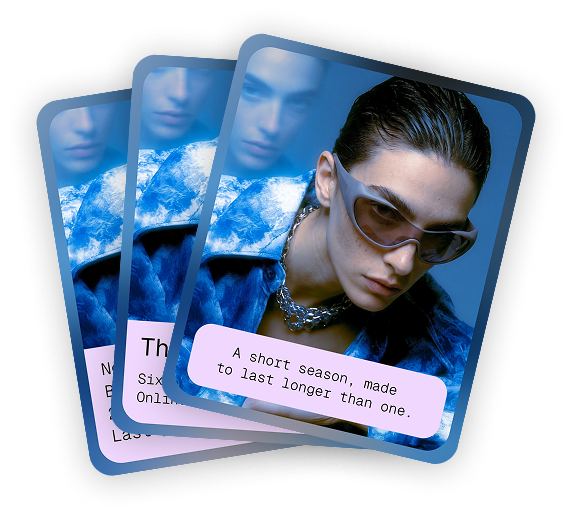
Design your frames
Your normal Figma frames, as many as you like. Auto layout, blurs, drop shadows, rounded corners — all of it comes along.
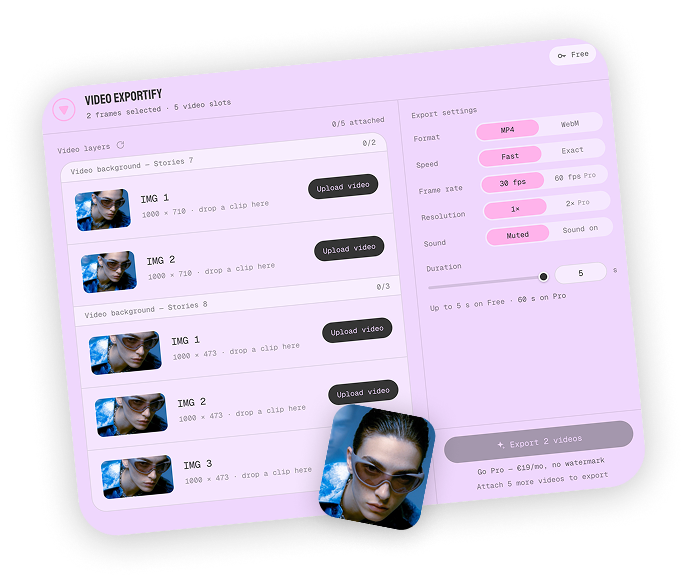
Select them, drop in your clips
Open the plugin with one frame or several selected. Every layer with a video in it is a slot: drop a clip on each and pick your settings.
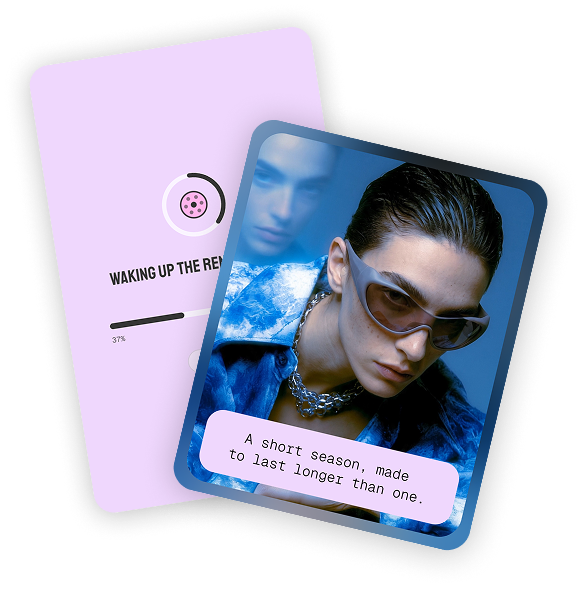
Export
One MP4 per frame, named after it. A fifteen-second story is done before you have switched tabs.
Figma drew it,
not a lookalike
Other exporters rebuild your design in a browser and hope it matches. Fonts get substituted, shadows go soft, corners come out slightly wrong. This one does not guess: your frame leaves Figma exactly as Figma rendered it, and your footage is placed inside it.
Your fonts, not near-misses
Nothing to load and nothing to substitute, because the type is already drawn by the time the render starts.
Effects survive
Blurs, drop shadows, strokes, masks, vector paths, per-corner radii. They are not reproduced — they are the same pixels you were looking at.
Video stays live
Your clips play behind the design, and layers that blur what moves beneath them keep blurring it, frame by frame.
Placed as you placed it
Cropped, tiled, fitted or filled — the clip sits in the layer exactly as the fill does in Figma. Short clips loop; the file is named after the frame.
Works where your work already lives
No separate editor, no migrating templates. The plugin runs in your regular Figma design files, on the frames you have been building all along.
Pick a plan
No account needed
- —3 exports per month — 5 with a confirmed email
- —Up to 5 seconds each
- —1× resolution, 30 fps
- —Watermarked
- —Batch export, same as Pro
Nothing to sign up for. Have an export emailed to you and confirm the address once: 2 more a month, for good.
Cancel anytime
- ✓5,000 render seconds per month
- ✓No watermark
- ✓2× resolution, 60 fps
- ✓Up to 60 seconds per export
- ✓Frame-exact mode
Around 330 fifteen-second stories a month. Only the length of the finished video counts, never the render time — and a batch of ten costs the same as ten exports one by one.
Good to know
Do I need an account to try it?
No. Install it, export 3 watermarked videos a month, done.
Can I export several frames at once?
Yes. Select them on the canvas, attach your clips, hit export — each frame becomes its own video, with the same settings. Free and Pro alike; a batch of ten counts as ten exports.
How do I get more than three free exports?
After an export, have the link emailed to you and confirm the address once. That adds 2 exports a month to your account, for good. Writing to you beyond that needs a separate tick from you.
How do I unlock Pro inside Figma?
You get a licence key at checkout. Paste it into the plugin under Account once.
Which files work?
MP4, MOV and WebM, up to 512 MB per clip. Drop a file on its layer, or pick one you already uploaded from the menu next to Upload.
My clip is shorter than the export.
It loops. A three-second clip in a ten-second export plays three times and a bit; the plugin says so under the file name before you export.
Do I need Figma Buzz?
No. Regular design files, your existing templates, nothing to migrate.
What happens when I run out of render seconds?
Exports pause until your allowance resets next billing period. Nothing is charged on top.
Can I cancel?
Any time from your dashboard. Pro runs to the end of the period you've paid for.
I lost my licence key.
It's in your checkout email, and in your dashboard. If both are gone, the dashboard will email it to the address you paid with.
Something exported wrong.
Send me the file. One person builds this, and I want to see what broke.
In short
Video Exportify is a Figma plugin that exports a design frame as an MP4 or WebM video. It keeps the frame exactly as Figma renders it — fonts, blurs, shadows, masks and rounded corners — and places your video clips inside the layers you designed. It works in ordinary Figma Design files, with no migration to Figma Buzz, and can export several frames at once. The free plan allows 3 exports a month; Pro is €19 a month for 5,000 render seconds, up to 60 seconds per export, 2× resolution, 60 fps and no watermark.
Your next story,
done in seconds
Free to try. No account, no card.